Build a temporary pallet
Scanner: Packing -> Build a temporary pallet
Scan cartons to create a temporary pallet. Often used at the end of the day to record cartons that have not made a complete pallet. Cartons can be re-palletised from a temporary pallet to a final pallet.
Begin scanning cartons on the pallet. The screen will show the number of cartons scanned.
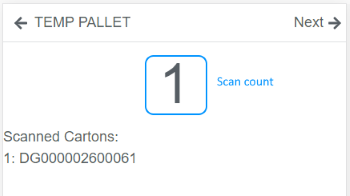
Scan all cartons and press Next
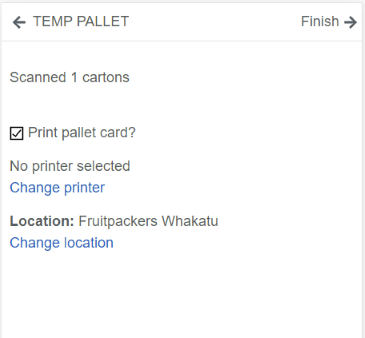
Enter the following
Print pallet card?- if you don't want to print a temp pallet card, untick this. The temporary pallet has a different format to a final pallet.Printer- your default printer, change if required.Location- your default location, change if required.
Press Finish.
If you have ticked the option to Print pallet card?, retreive this from the printer and place on the physical pallet. You will be taken to a Confirm pallet screen which verifies you have the correct pallet card with the correct cartons.
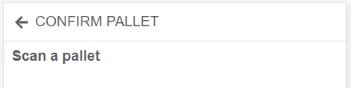
Scan the pallet barcode.
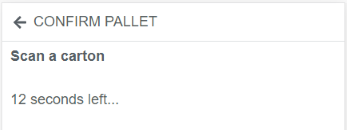
Scan any carton on the pallet, you have 15 seconds to do so. This will confirm you have the correct pallet card.
Tip
If the scanner doesn't seem to be scanning, check the screen, there may be an error message that needs to be acknowledged.